FACTS Customer Experience

FACTS Customer Experience
One Login for FACTS Family Portal and FACTS Payment Plans
As our school continues through the year, we’re excited to share a more convenient way to access your FACTS account for both Family Portal and Payment Plans with only one sign on. You will now be able to access your payment plans and other financial information directly from FACTS Family Portal!
Login with FACTS Family Portal
- From FACTSmgt.com, click Log In Here > For Families > Family Portal Login.
- Type our school’s District Code.
- If you have previously logged in to Family Portal, type your Username and Password.
OR
If this is your first time logging in to Family Portal, click Create Account and setup your account using the email on file with the school.
Access your Payment Plans and financial information
- Click the Financial tab from the left menu.
- Click Financial Home to access the Financial Dashboard.
- All financial details, payment schedule, transaction list, and balance summary for the Payment Plan and Incidental Expense balances display.
- Your demographic data will now be updated through the FACTS Family Portal.

Apply for Financial Aid
There is one exception to the single sign on experience. Customers filling out Financial Aid applications must use a separate login. To apply or review your past Financial Aid applications:
- From FACTSmgt.com/aid
OR
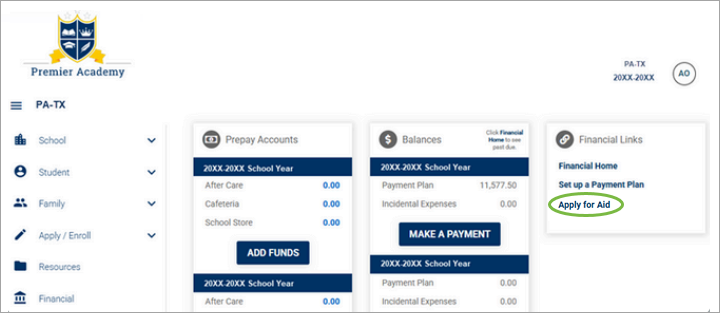
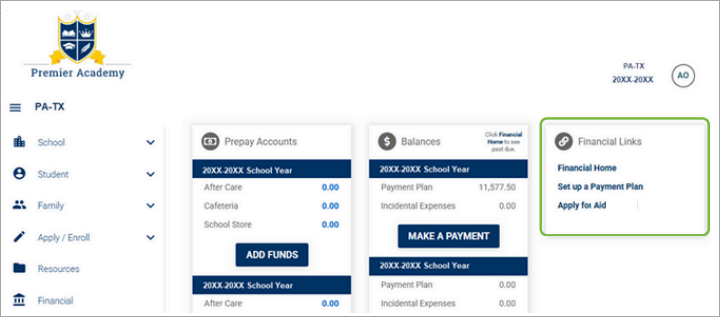
From FACTS Family Portal click Financial > Apply for Aid. - Click Sign in.
OR
Create an Account.